The account section of the Wrangles add-in allows users to manage personal information, passwords, secrets (i.e. api keys) and organizations/teams. This can be accessed by clicking on account after opening WranglesXL. Keep reading to learn more.
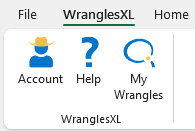
Once the account task pane is open, different sections can be accessed through the menu shown below.
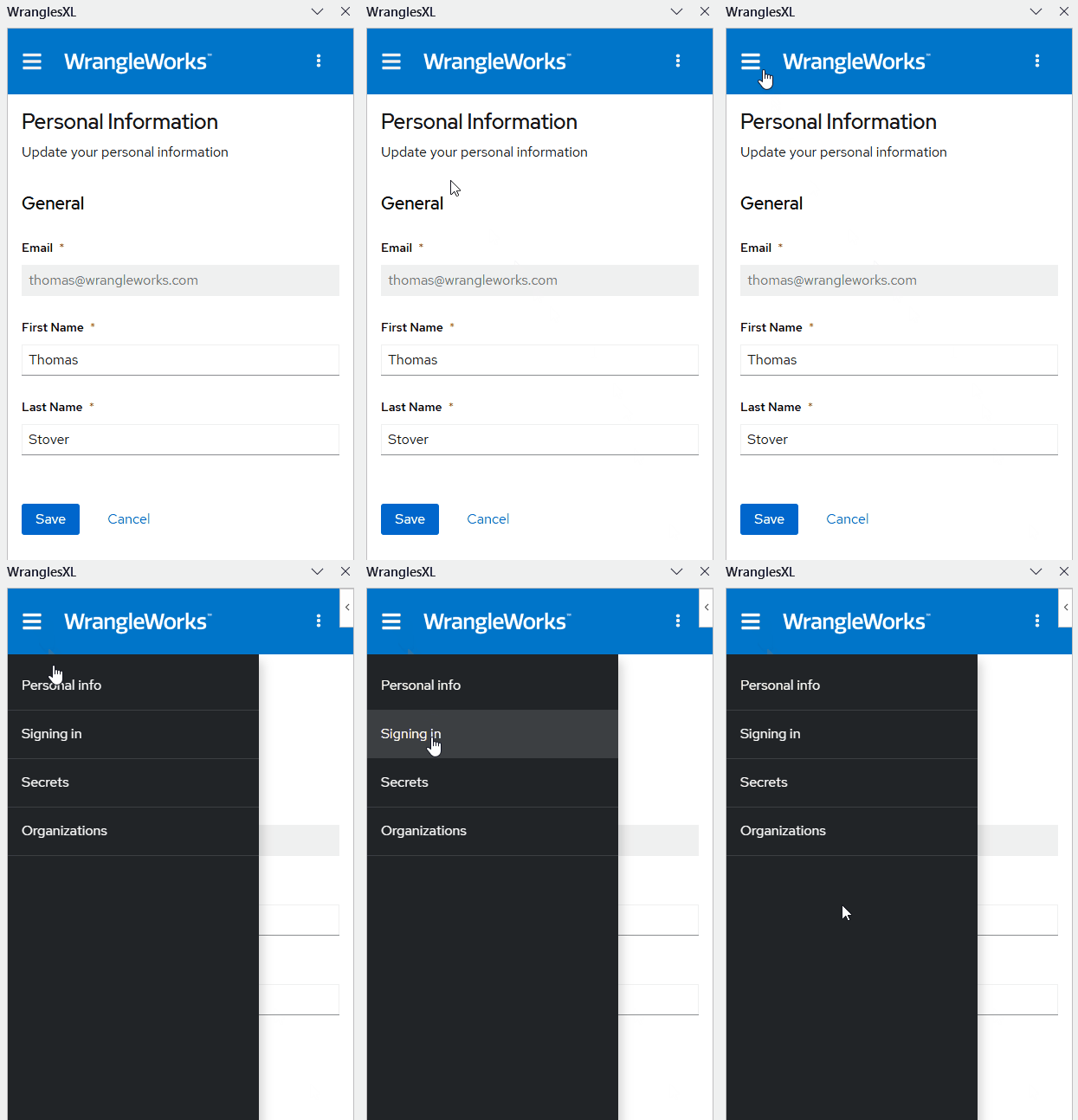
¶ Personal Info
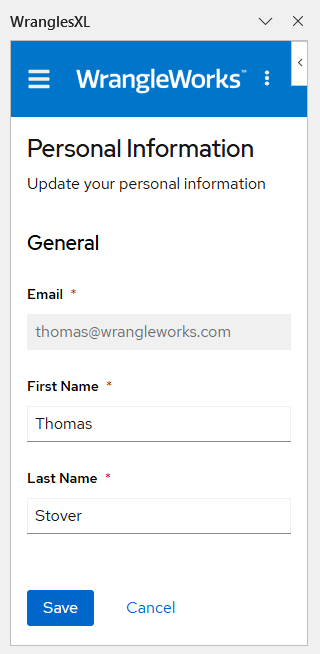
The Personal Info section allows users to update their first and last name associated with their wrangles account. It also shows users the email address associated with their account, although this is fixed and not editable. When opening
¶ Signing In
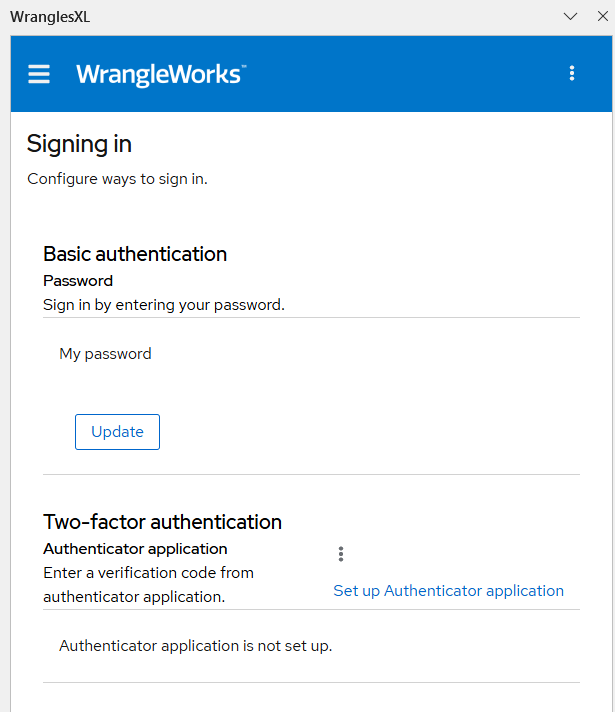
This section allows users to update their password and set up two-factor authentication. Two-factor authentication can be set up using FreeOTP, Microsoft Authenticator, or Google Authenticator.
¶ Secrets
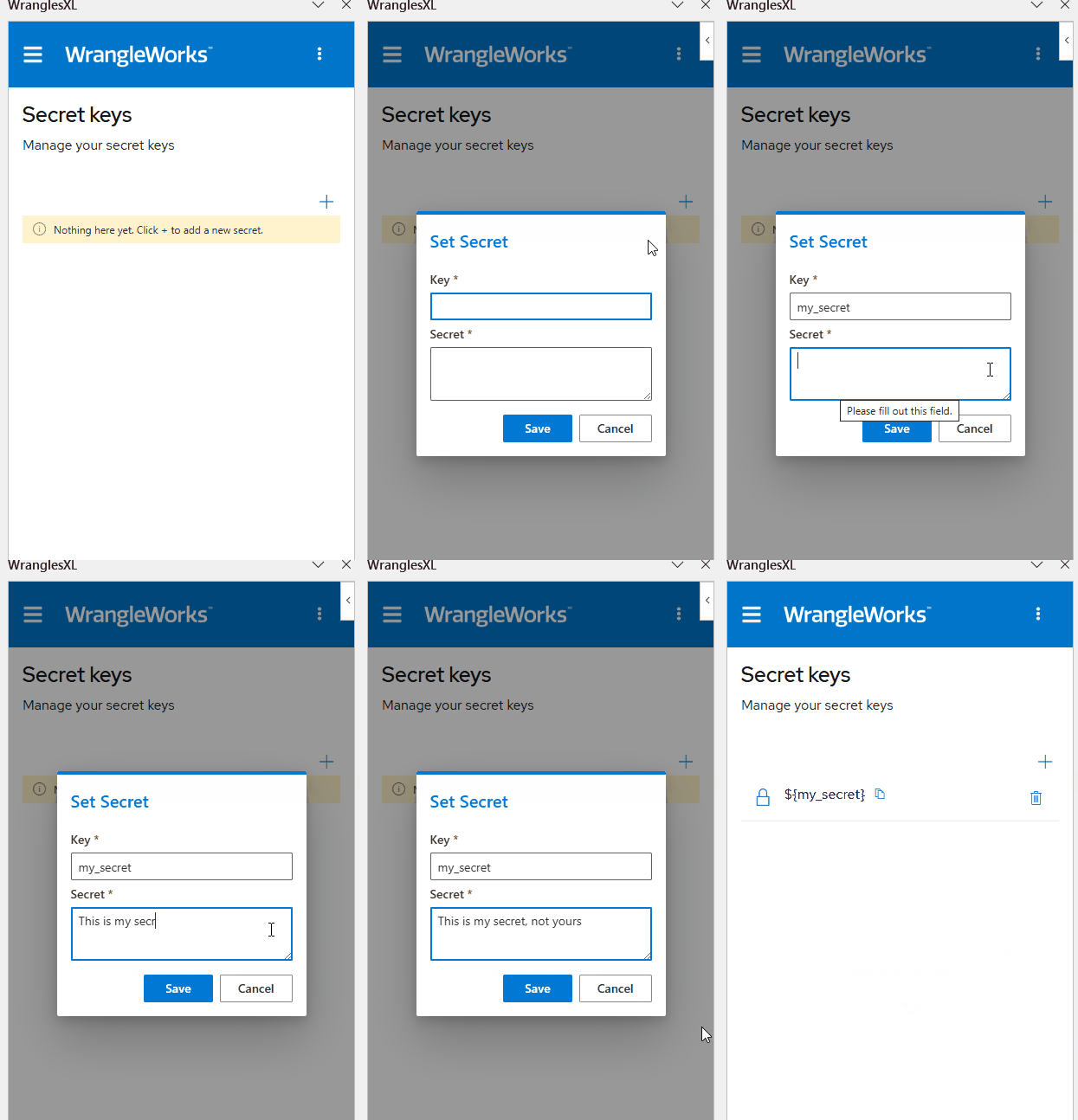
The secrets section is where users can store secrets like api keys. These secrets can then be read into recipes. See here to learn about using secrets in recipes. See the gif below to learn how to add a secret to your user secrets.
¶ Hierarchy of Secrets
The order secrets are used is based off of user or group (teams or an organization, more below on that). It is important when setting up secrets and recipes to keep the hierarchy of their use in mind. That is to say, secrets which have the same name across recipes, users, teams, or organizations take different priority from one another. This priority is as shown here:
Recipe>User>Team=Organization
For an in depth flow chart of the secrets hierarchy, see here.
That is, if a recipe has a secret assigned to it with the same name as a user, team, or organization secret, it will always be used first. Secrets are used based off permissions, and even if a user has more than one connection to a wrangle (i.e. user is assigned and also belongs to a team which is assigned), the system only sees one connection (only the user permission in this case). Therefore, it is best for bookkeeping to only have one permission set per user, whether that be by user, team or organization.
Let's say a user and an organization they belong to both have a secret of the same name and both have permission to a recipe that uses that secret. In this case, the user connection takes precedent over the organization's and the user's secret will be used.
If a user belongs to two different teams that have secrets of the same name, and both teams have permission for a recipe that uses it, then the secret used will be chosen at random.
Teams and organizations are both considered groups, which both carry the same weight as far as precedence. Therefore, permissions are used as a tie-breaker for which secret to use. As previously mentioned, this is why it is important for users to only have one connection with a wrangle. If the group connection is not seen by the system, then a secret will be randomly chosen from groups that user belongs to, regardless if they have permission for that wrangle or not.